You are here
Wine 1.5.14 is available!
Saturday 29 September 2012 at 6:39

You can read release note here: https://www.playonlinux.com/w/wine-1.5.14
Here are some information about the build :
- Linux i386 building started at Fri, 28 Sep 2012 21:30:37 0200
- Linux i386 building finished at Fri, 28 Sep 2012 23:27:31 0200
- Mac OS X i386 building started at Fri, 28 Sep 2012 23:31:51 0200
- Mac OS X i386 building finished at Sat, 29 Sep 2012 01:30:10 0200
- Linux amd64 building started at Sat, 29 Sep 2012 01:44:05 0200
- Linux amd64 building finished at Sat, 29 Sep 2012 06:39:20 0200
Wine builds are synchronised with PlayOnLinux and PlayOnMac wine versions manager every half hour.
You can read the building log here and download the packages here: https://www.playonlinux.com/wine/
Good Old Games - Wallace and Gromit's Grand Adventures
Sunday 23 September 2012 at 16:09
Wallace and Gromit's Grand Adventures
Four adventure games that'll bring you inside the world of Wallace and Gromit animated short films.Little replayability, but enjoyable and fun, specially if you're a fan!
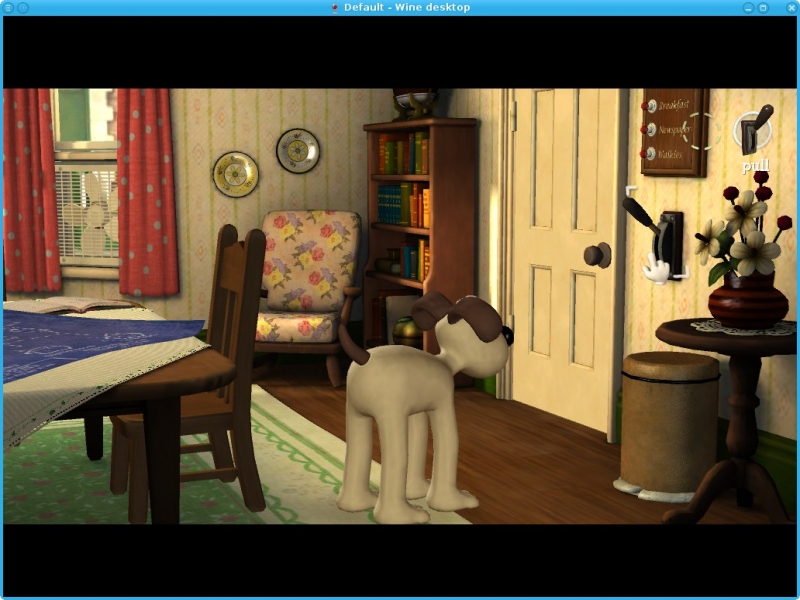
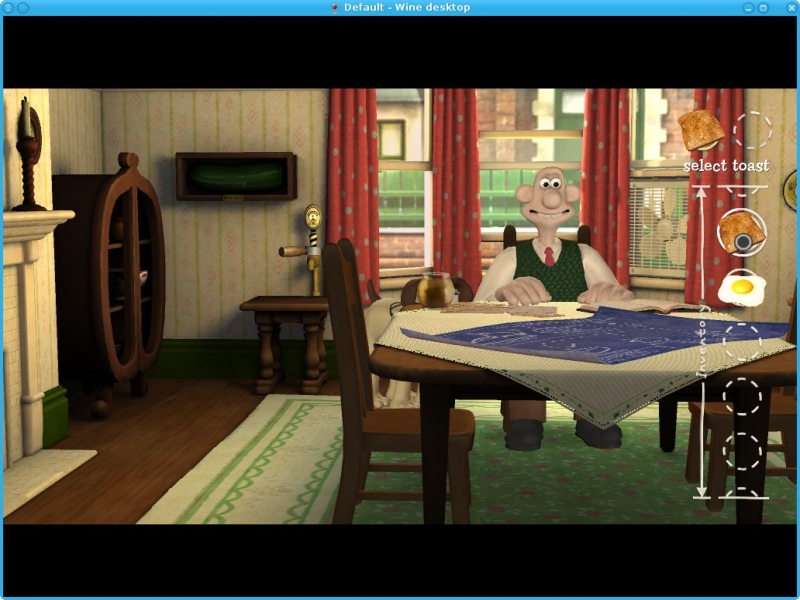
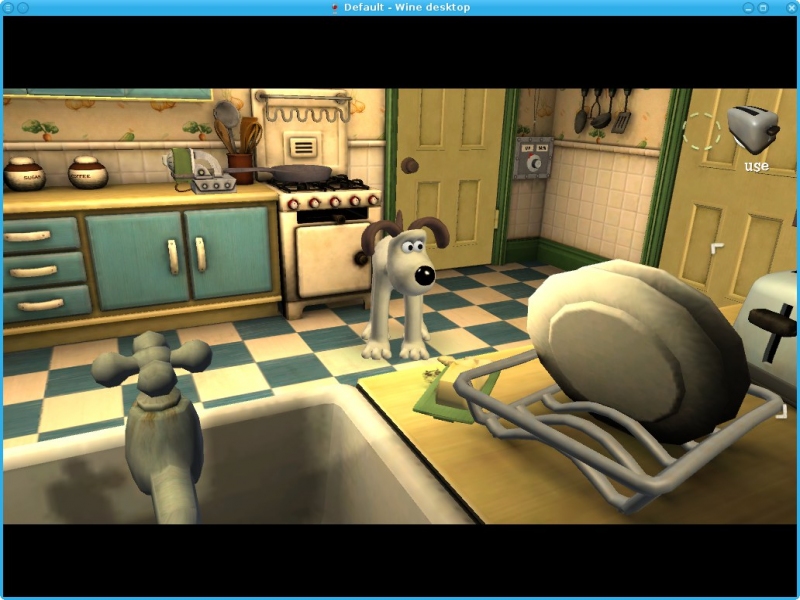
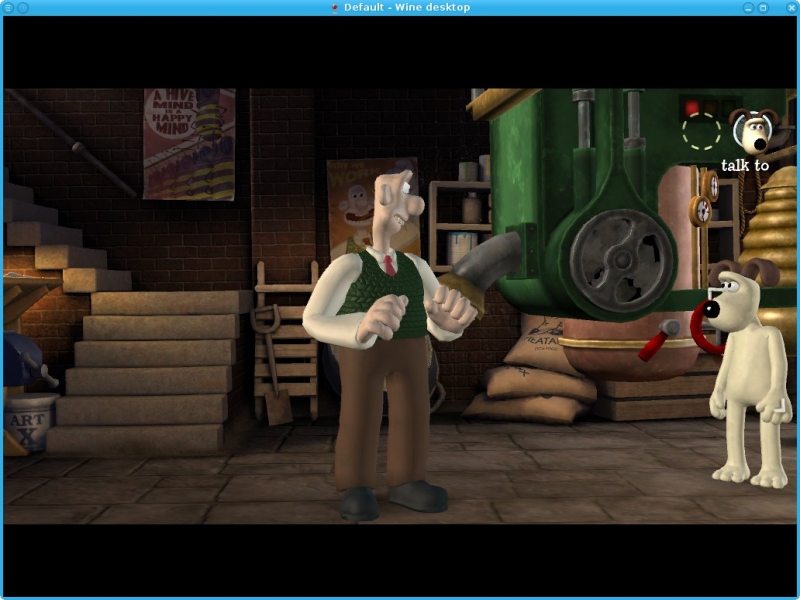
 Run GOG.com - Wallace and Gromits Grand Adventures PlayOnLinux Script
 Don't update to Mac OS 10.8.2 ...
Friday 21 September 2012 at 1:23
EDIT 2 : The problem should be fixed with PlayOnMac 4.1.8. Many thank to XQuartz team.
... if you want to keep using PlayOnMac or any other wine based solution.
Indeed, Apple has broken wine in this update. Any program using wine (Crossover, wineskin, ...) are broken.
We are trying to find what is the problem.
Mac OS 10.7.5 is also affected.
Sorry
Wine 1.5.13 is available!
Saturday 15 September 2012 at 6:13
You can read release note here: https://www.playonlinux.com/w/wine-1.5.13
Here are some information about the build :
- Linux i386 building started at Fri, 14 Sep 2012 21:30:39 0200
- Linux i386 building finished at Fri, 14 Sep 2012 23:28:15 0200
- Mac OS X i386 building started at Fri, 14 Sep 2012 23:32:36 0200
- Mac OS X i386 building finished at Sat, 15 Sep 2012 01:29:44 0200
- Linux amd64 building started at Sat, 15 Sep 2012 01:43:10 0200
- Linux amd64 building finished at Sat, 15 Sep 2012 06:13:07 0200
Wine builds are synchronised with PlayOnLinux and PlayOnMac wine versions manager every half hour.
You can read the building log here and download the packages here: https://www.playonlinux.com/wine/
Good Old Games - Back to the Future: The Game
Saturday 8 September 2012 at 22:01
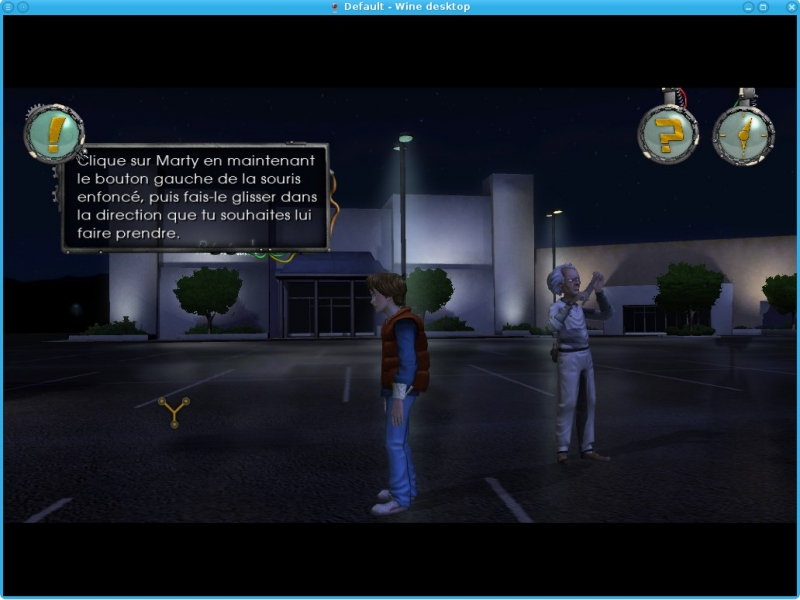
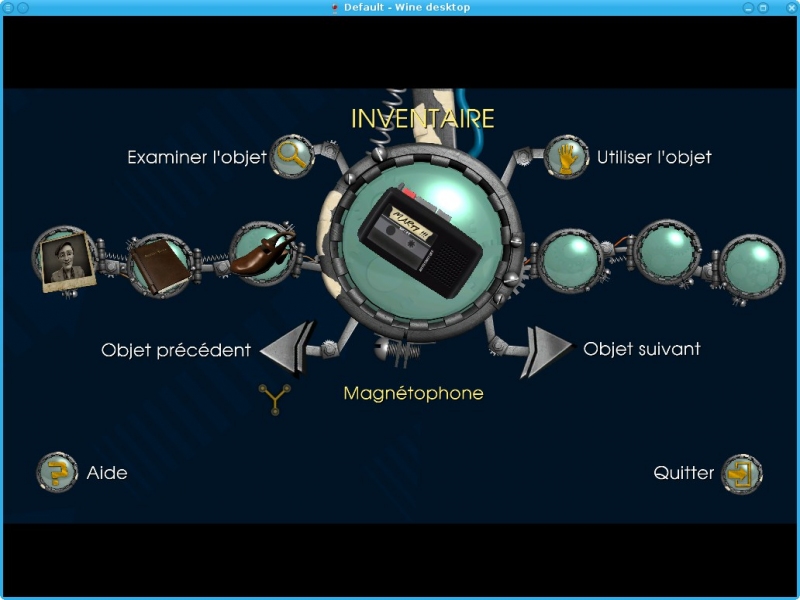
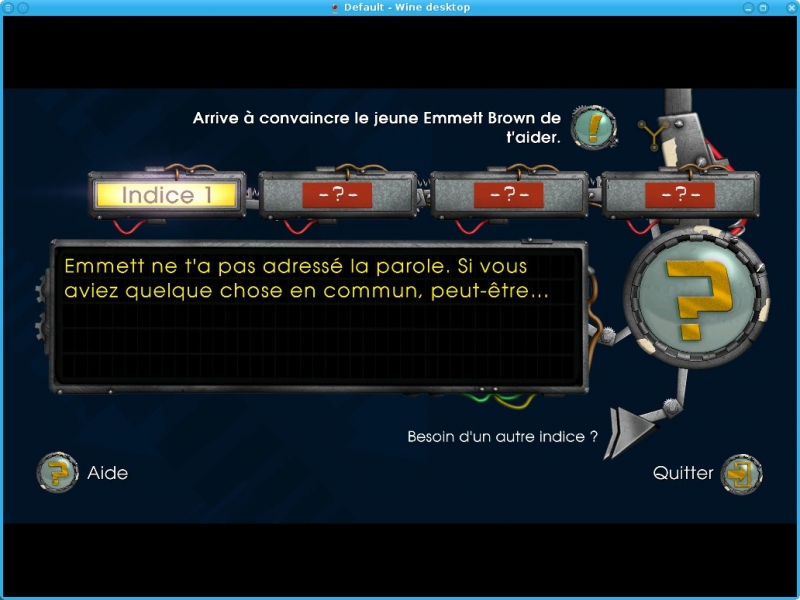
Back to the Future: The Game
Five point-n-click adventure games around characters and situations from the Back To The Future trilogy!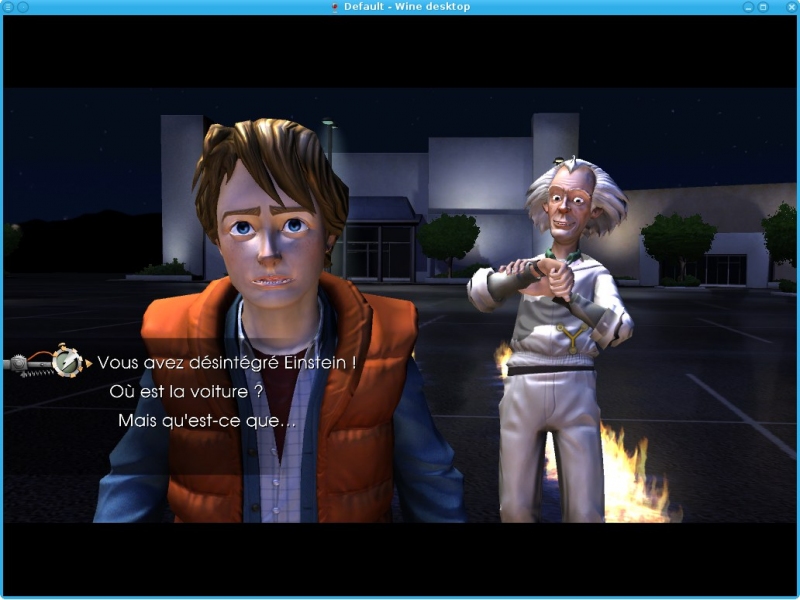
 Run GOG.com - Back To The Future The Game PlayOnLinux Script
 Good Old Games - Torchlight
Monday 3 September 2012 at 0:44
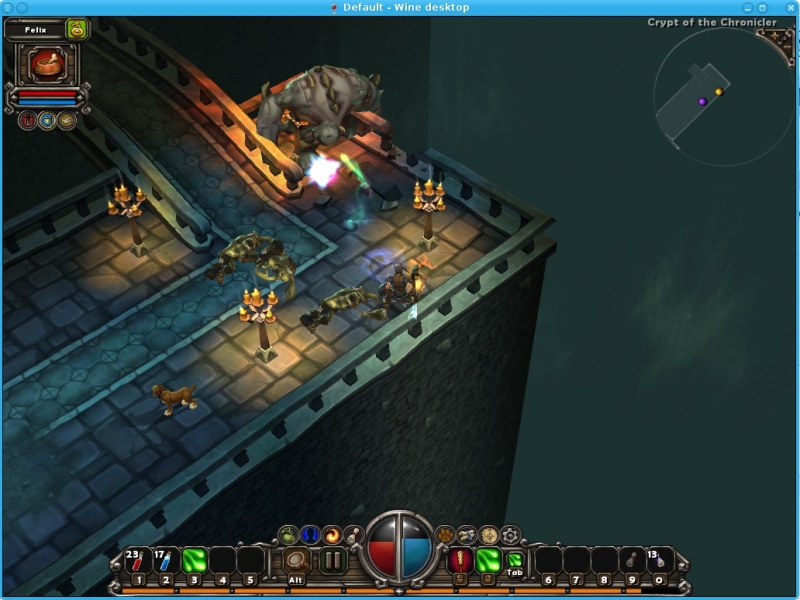
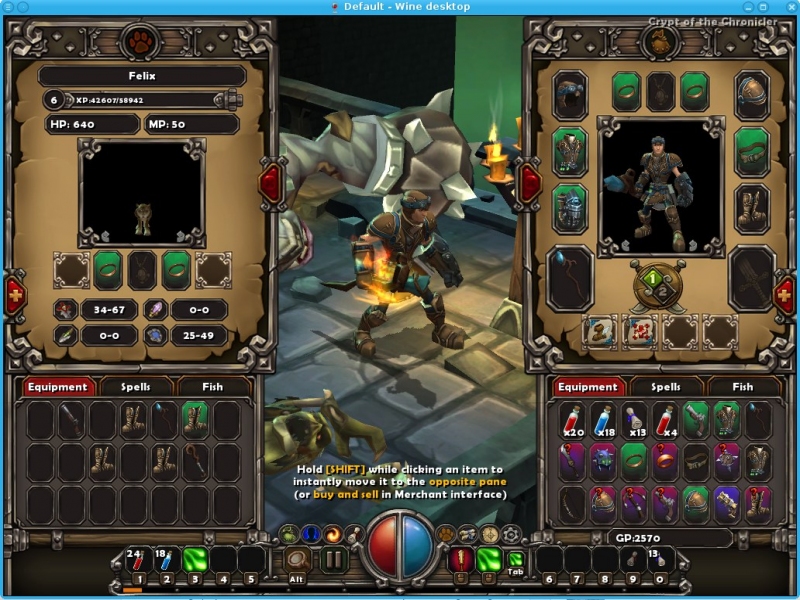
Torchlight
All the mindless fun you can expect from a good single-player action RPG...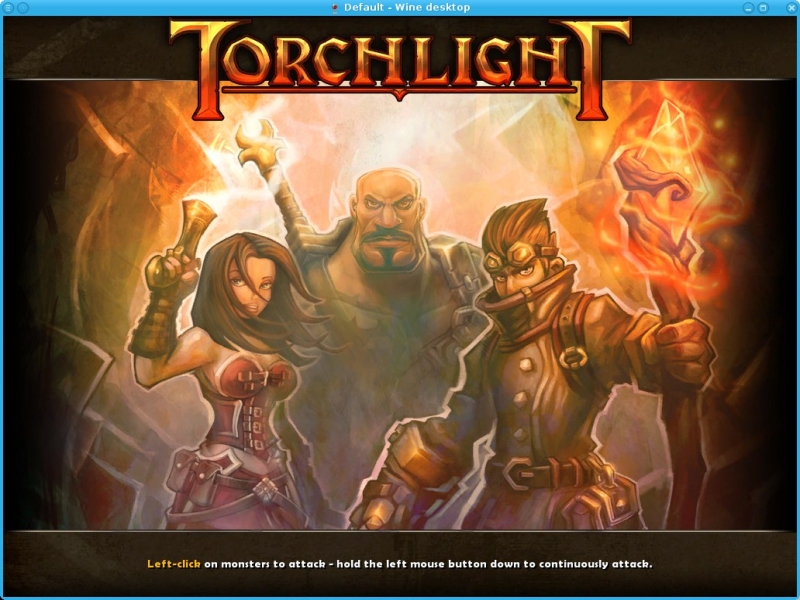
 Run GOG.com - Torchlight PlayOnLinux Script
 Good Old Games - Freedom Force vs. the 3rd Reich
Saturday 1 September 2012 at 19:15
Freedom Force vs. the Third Reich
In this strategy game you need to manage a team of superheroes to fight supervillains (what else?). The challenge, given the number of superpowers, is to have the right hero (or heroes) at the right place...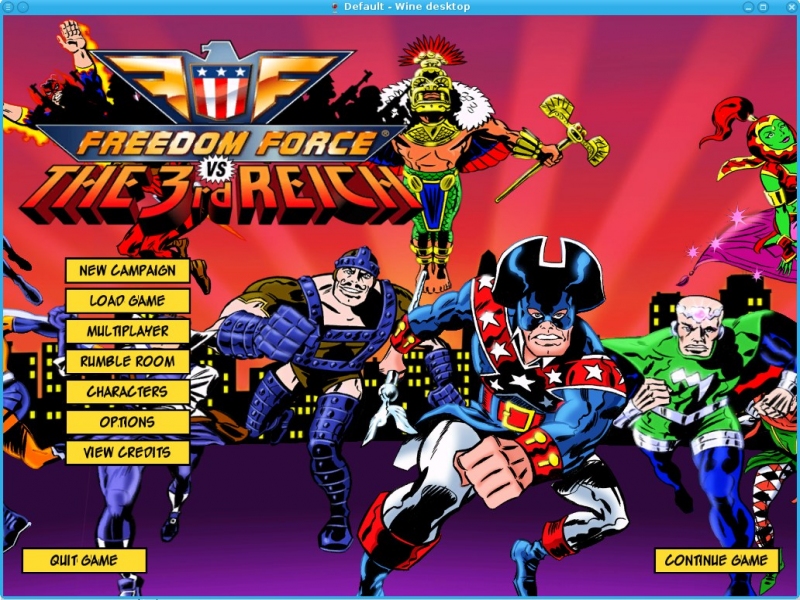
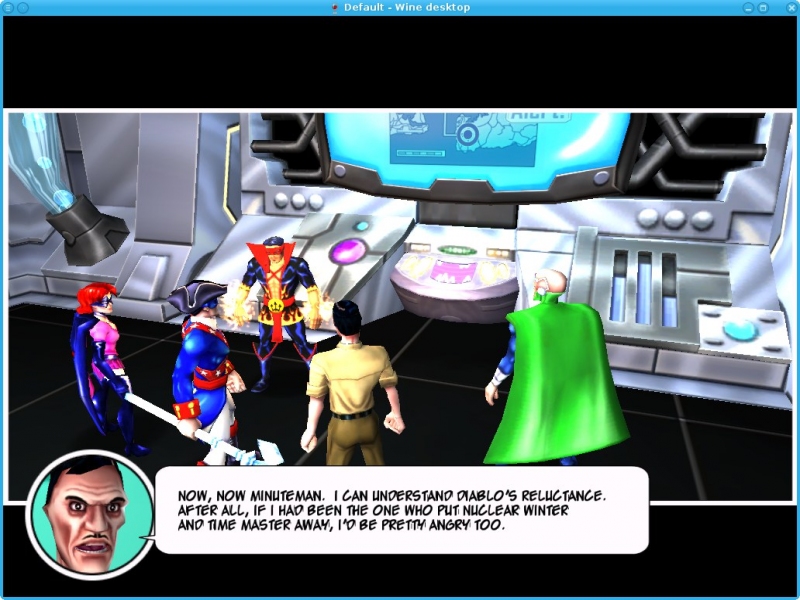
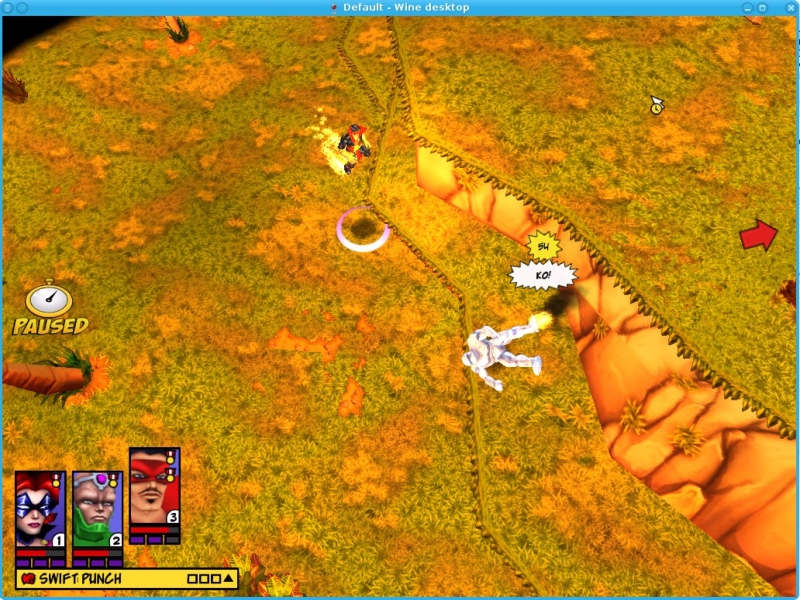
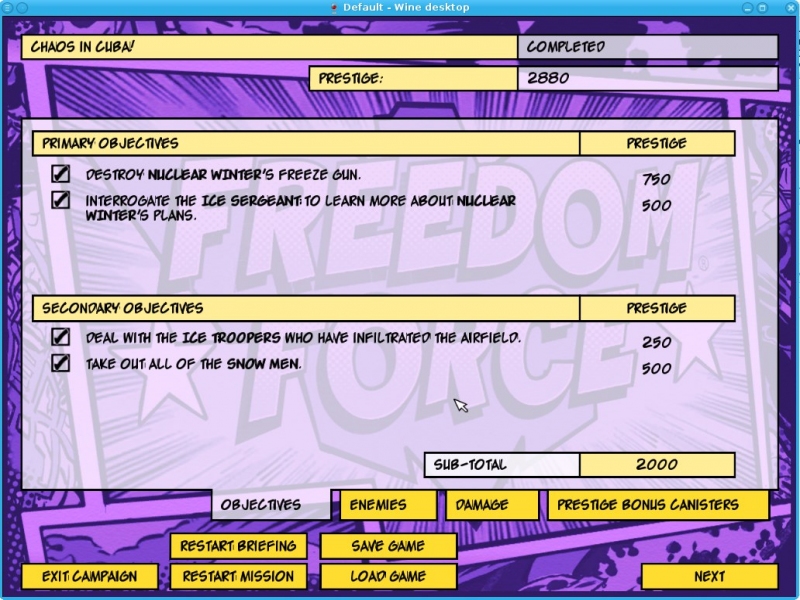 Run GOG.com - Freedom Force vs. the 3rd Reich PlayOnLinux Script
 Wine 1.5.12 is available!
Saturday 1 September 2012 at 5:51
You can read release note here: https://www.playonlinux.com/w/wine-1.5.12
Here are some information about the build :
- Linux i386 building started at Fri, 31 Aug 2012 21:30:32 0200
- Linux i386 building finished at Fri, 31 Aug 2012 23:20:03 0200
- Mac OS X i386 building started at Fri, 31 Aug 2012 23:24:18 0200
- Mac OS X i386 building finished at Sat, 01 Sep 2012 01:00:39 0200
- Linux amd64 building started at Sat, 01 Sep 2012 01:18:49 0200
- Linux amd64 building finished at Sat, 01 Sep 2012 05:51:11 0200
Wine builds are synchronised with PlayOnLinux and PlayOnMac wine versions manager every half hour.
You can read the building log here and download the packages here: https://www.playonlinux.com/wine/
Good Old Games - Unreal 2: The Awakening
Monday 27 August 2012 at 1:46
Unreal 2: The Awakening SE
A first person shooter with high quality graphisms (my screenshots do not give them justice, I can only use average to low settings on my laptop). Some may find that the pace is a bit slow for a FPS, but the game is not without charm.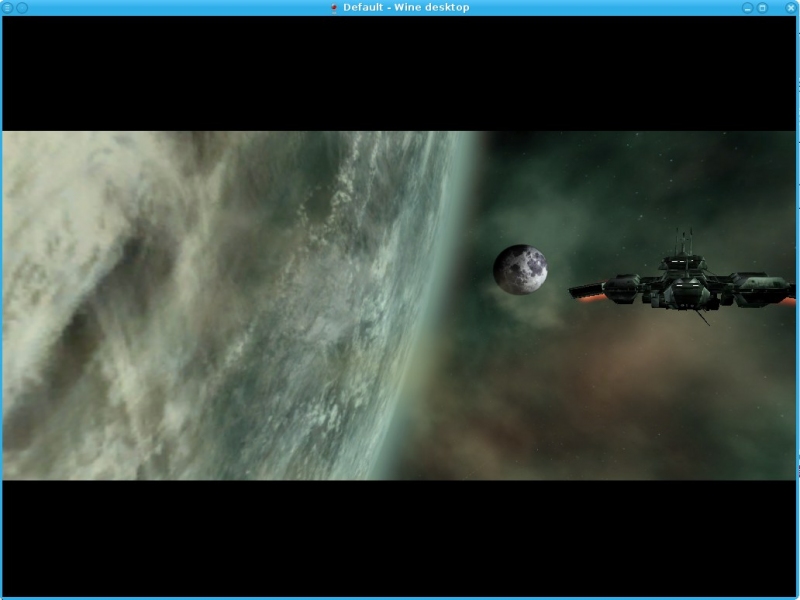
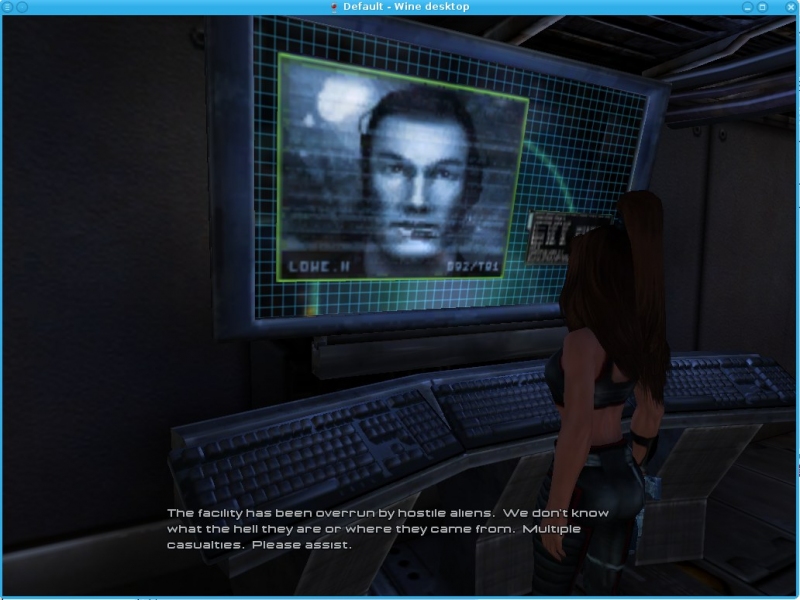
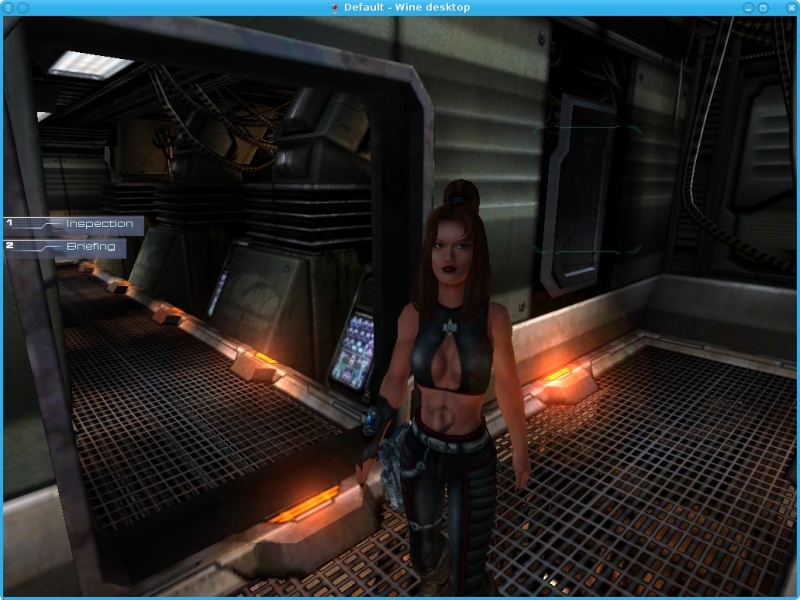
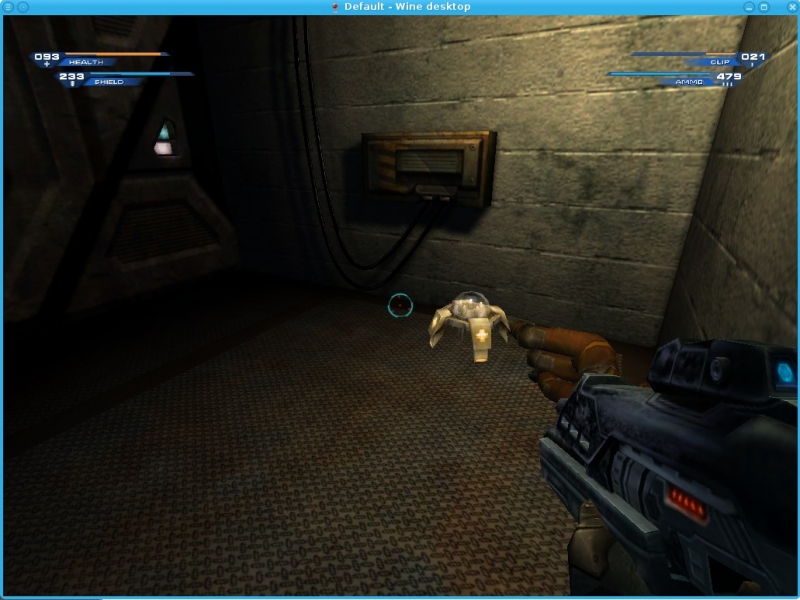
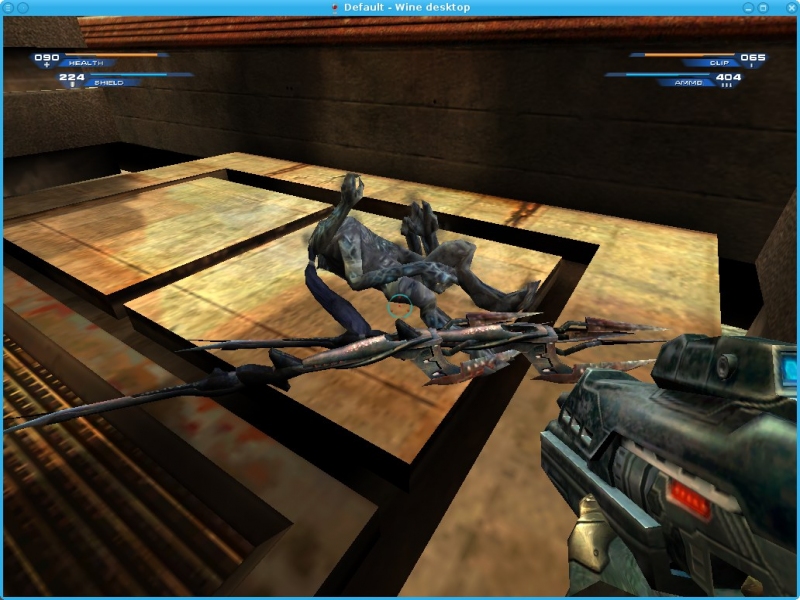
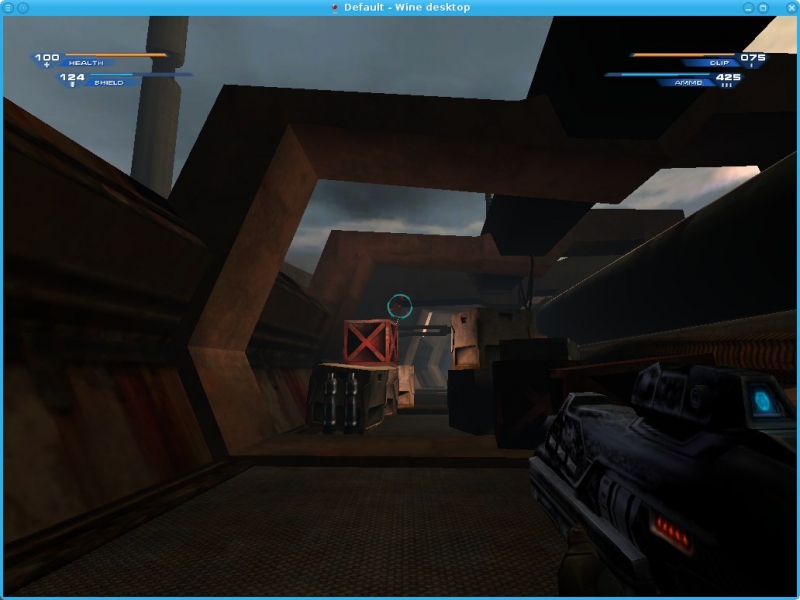 Run GOG.com - Unreal 2 PlayOnLinux Script
 Wine 1.5.11 is available!
Saturday 18 August 2012 at 5:38
You can read release note here: https://www.playonlinux.com/w/wine-1.5.11
Here are some information about the build :
- Linux i386 building started at Fri, 17 Aug 2012 21:30:40 0200
- Linux i386 building finished at Fri, 17 Aug 2012 23:14:46 0200
- Mac OS X i386 building started at Fri, 17 Aug 2012 23:18:48 0200
- Mac OS X i386 building finished at Sat, 18 Aug 2012 00:58:24 0200
- Linux amd64 building started at Sat, 18 Aug 2012 01:14:04 0200
- Linux amd64 building finished at Sat, 18 Aug 2012 05:38:08 0200
Wine builds are synchronised with PlayOnLinux and PlayOnMac wine versions manager every half hour.
You can read the building log here and download the packages here: https://www.playonlinux.com/wine/